CS-LITE+ SpectraCOLOR™ Light Source

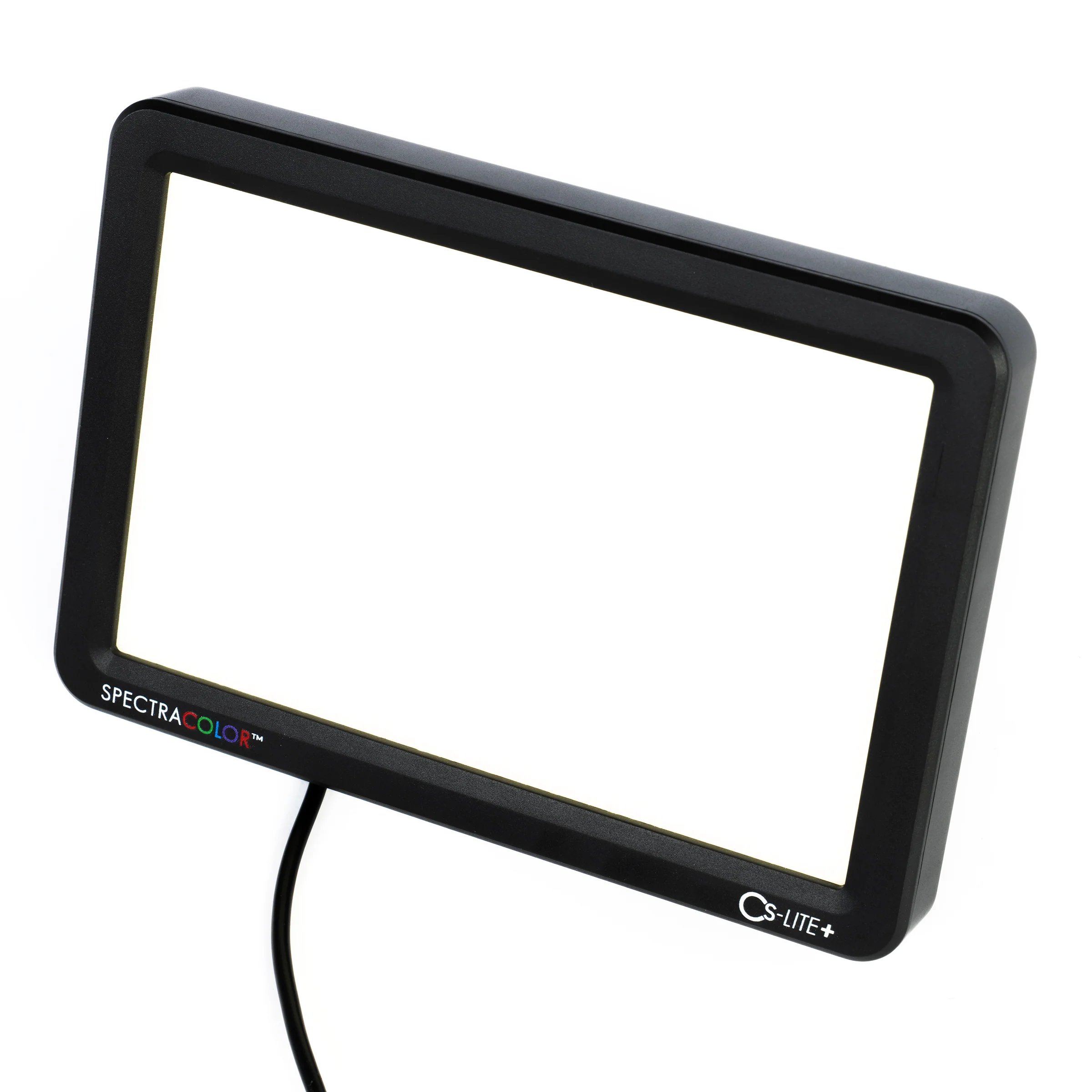
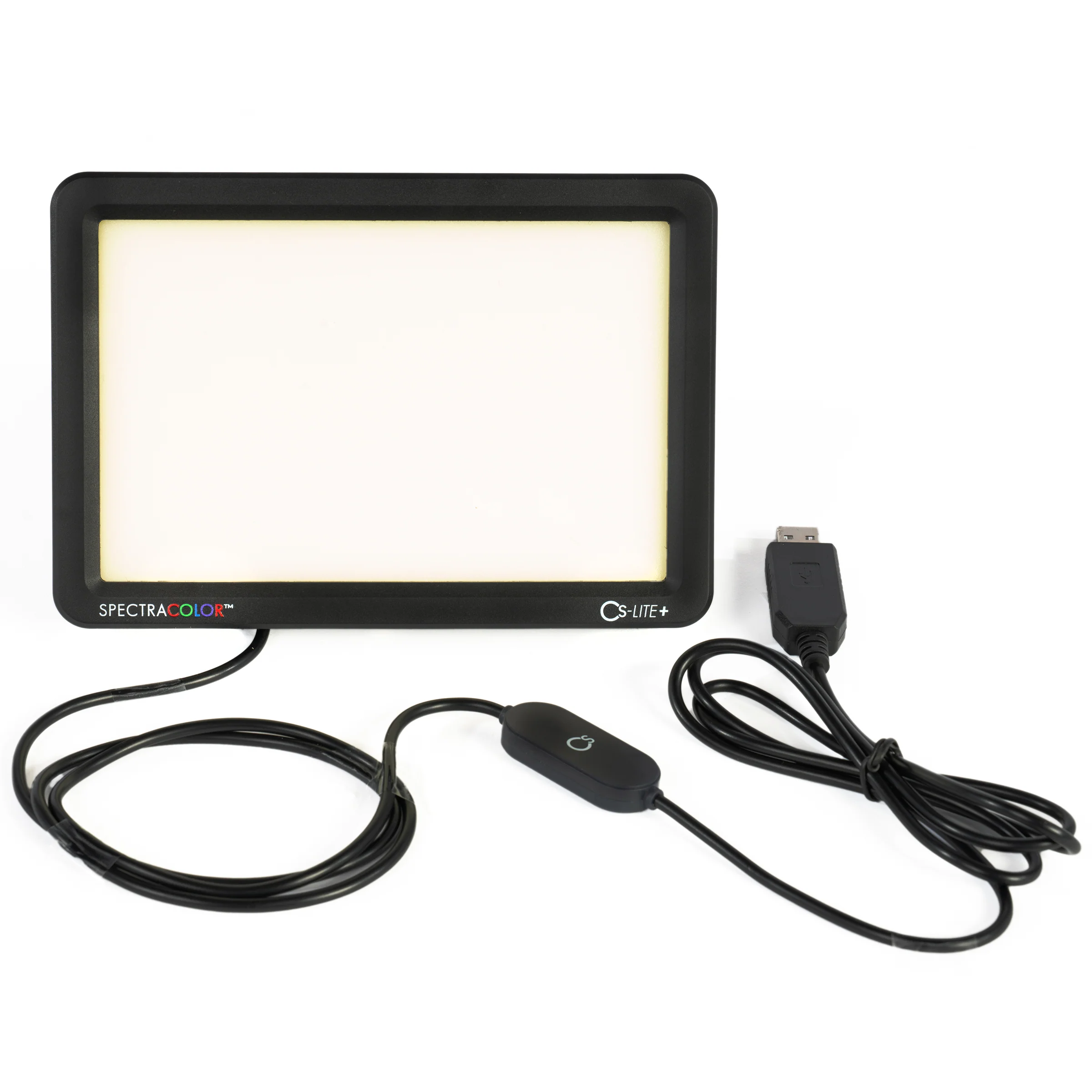
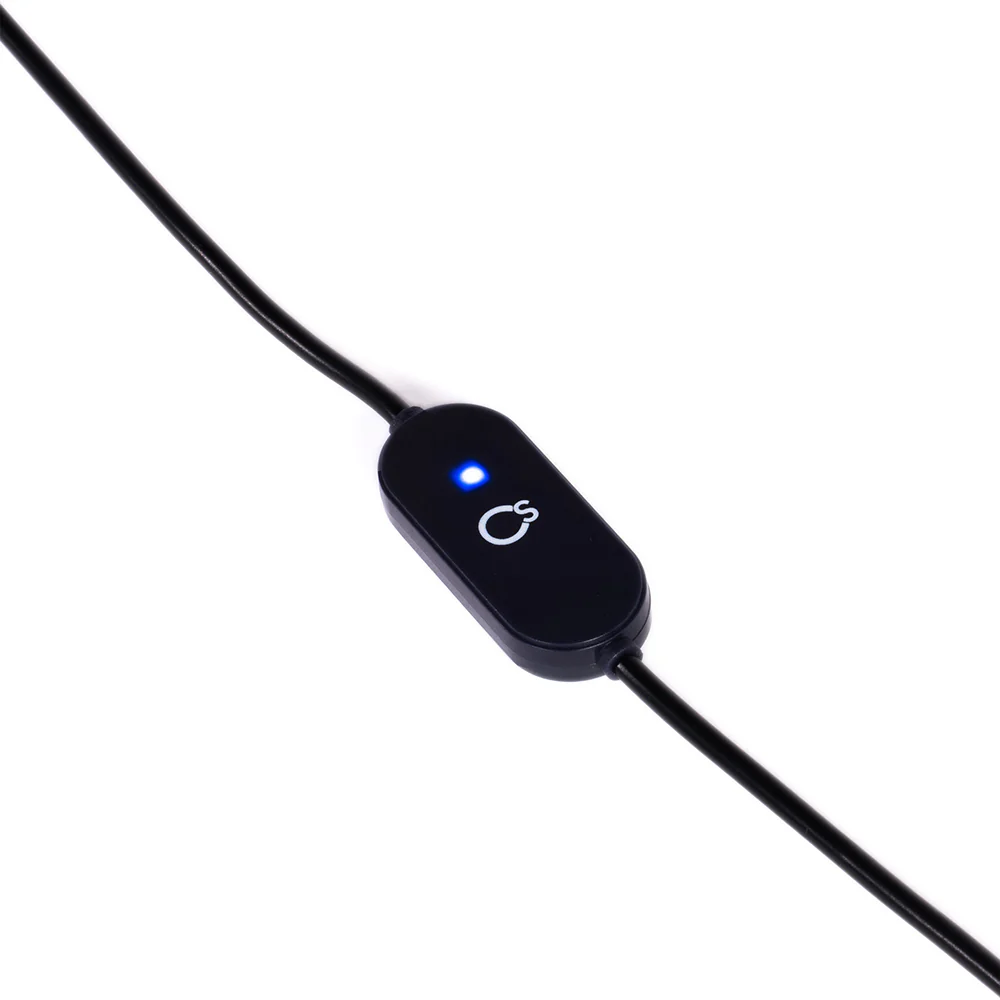
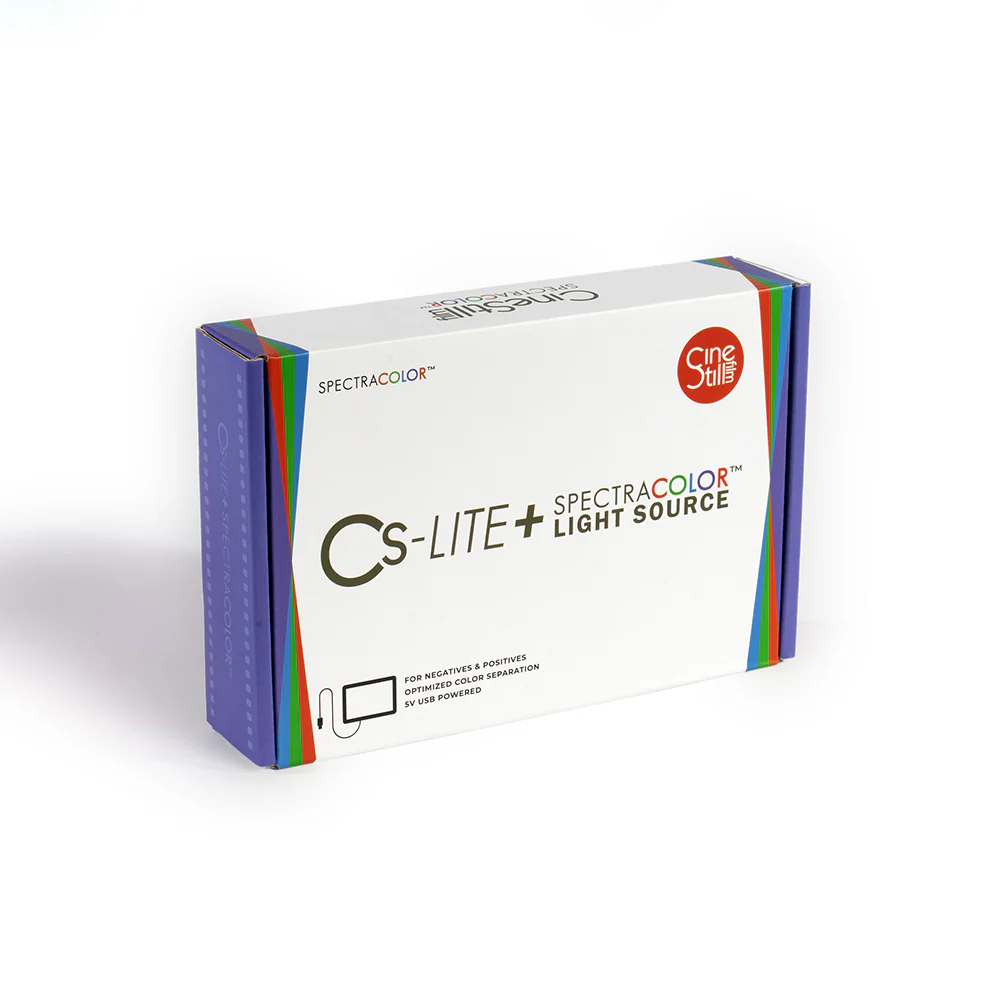
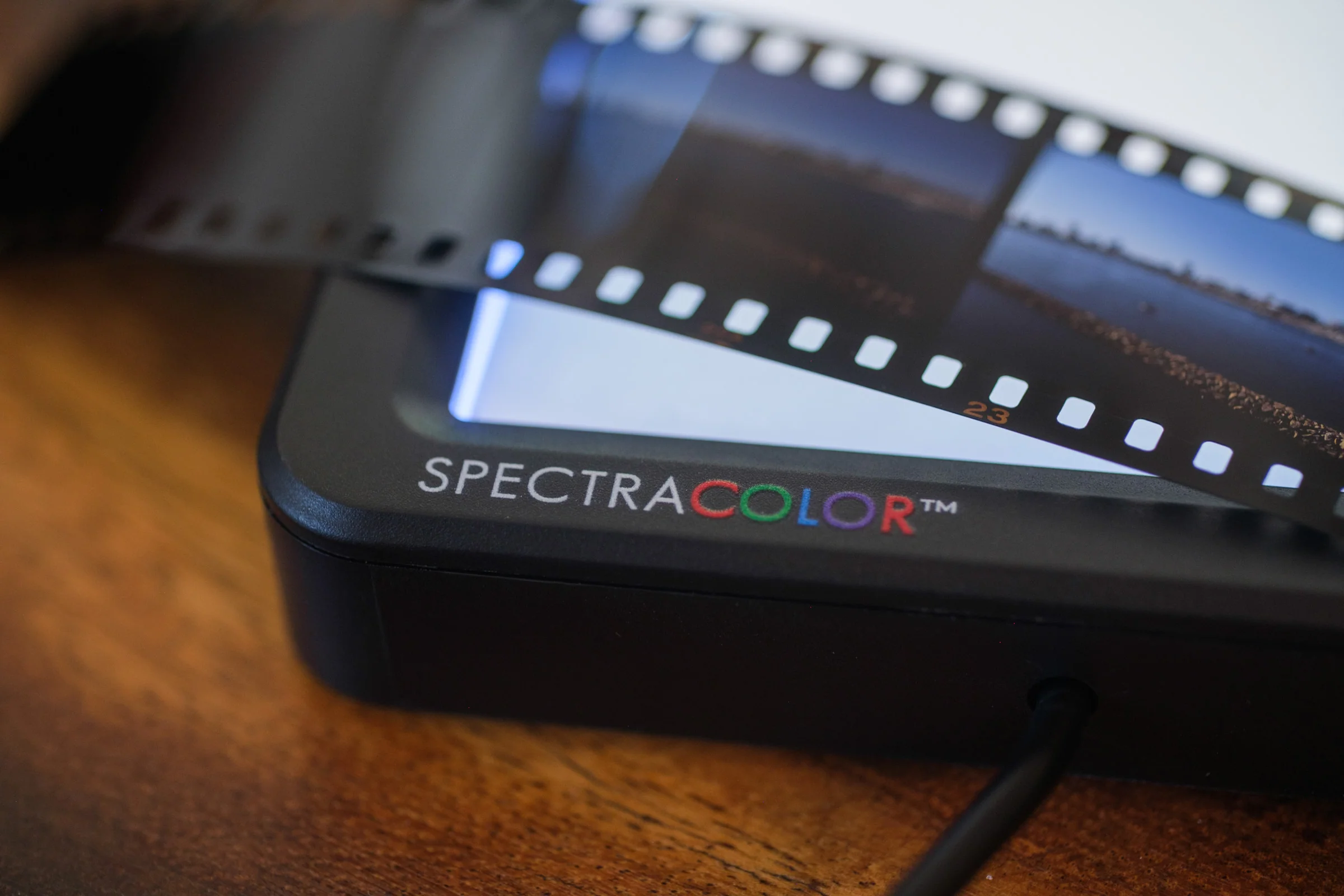
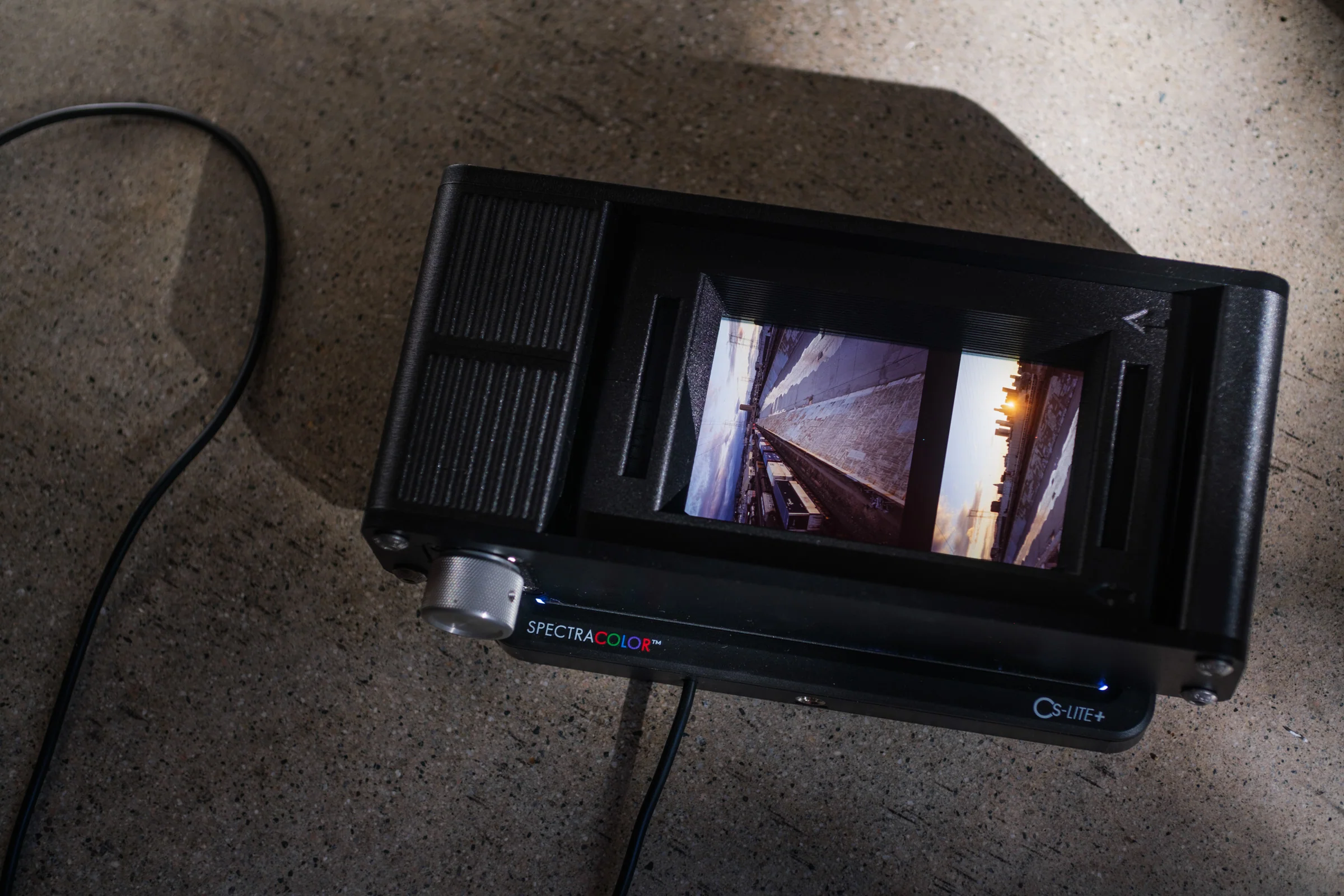
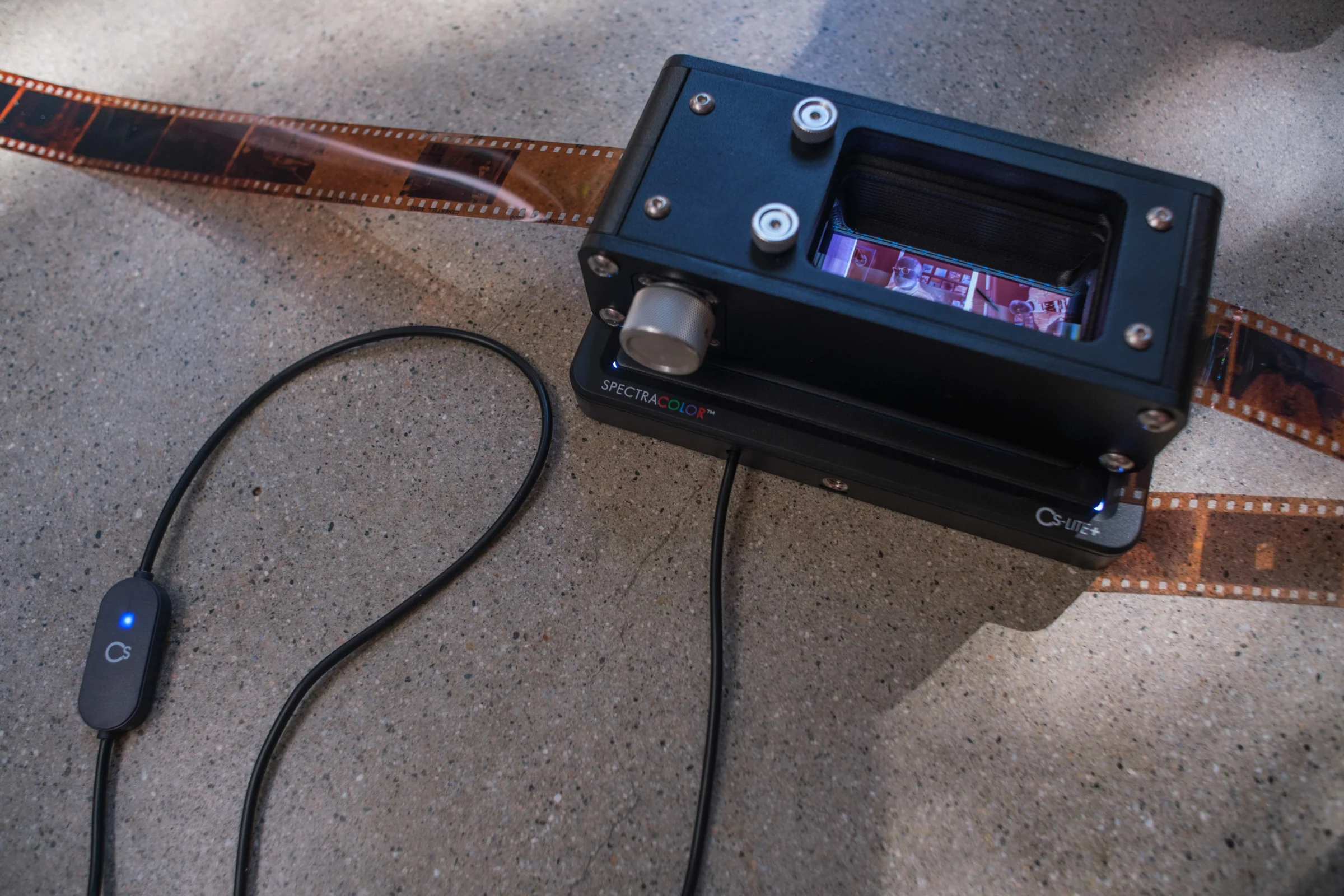
The CineStill CS-LITE+ is a universal, compact light source; specifically designed for archival film scanning with any digital camera. Balanced light output with optimized color separation specifically calibrated for film!

Most light sources currently available for film scanning are not intended for that purpose and, even at high CRI, fail to get the job done due to lack of control and generic design. The CS-LITE+ utilizes ultra-bright single-band LEDs, driven by a standard 5V/1.5A USB power supply. Using proprietary SpectraCOLOR™ technology, years in the making, the narrowband light is then transformed and shaped into separate ultra-narrowband multispectral wavelengths – unachievable with traditional LED technology – specifically calibrated to covert the color layers of film into the three color channels of a digital raw file, without color contamination or cross-talk, using any standard bayer-pattern (or similar) tri-color sensor. This allows your digital sensor to see negative film the way it was intended to be seen, resulting in the purest, most high-fidelity film to digital conversions achievable.
 For more information or questions visit our F.A.Q. Help Center for the CS-LITE+.
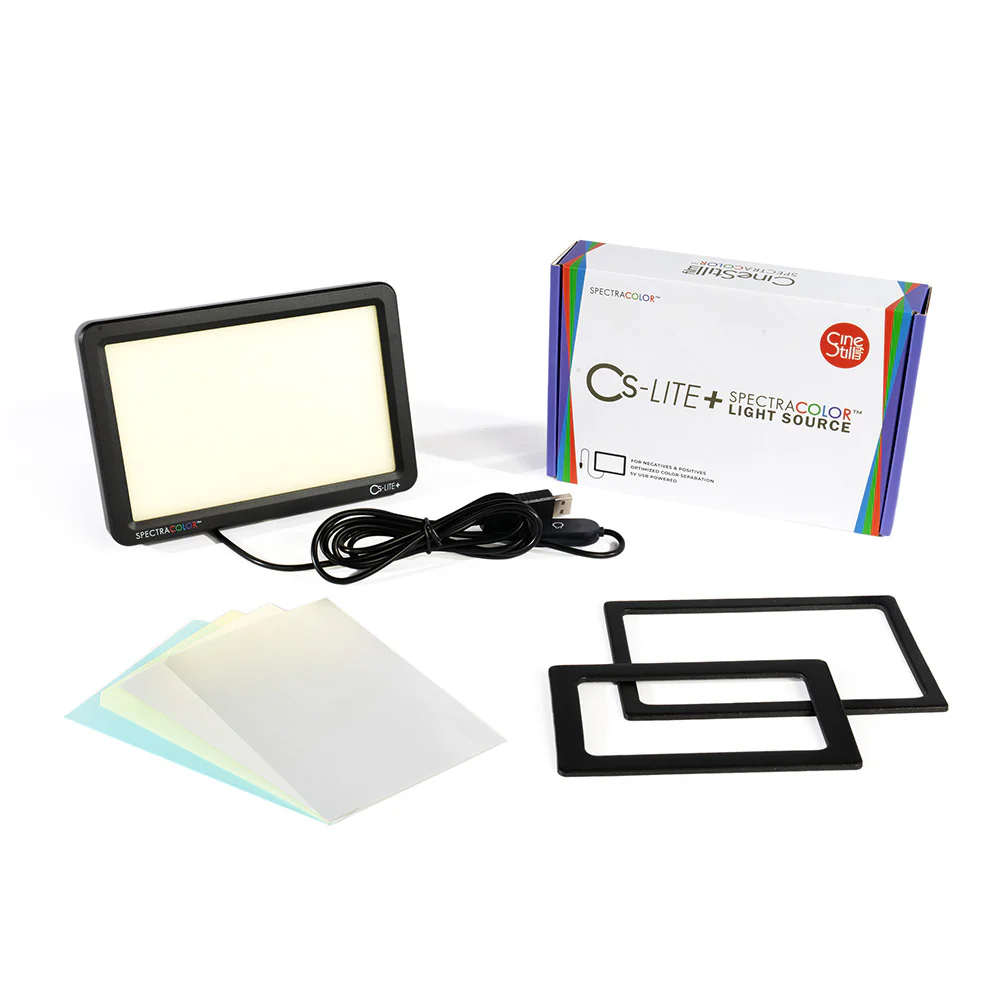
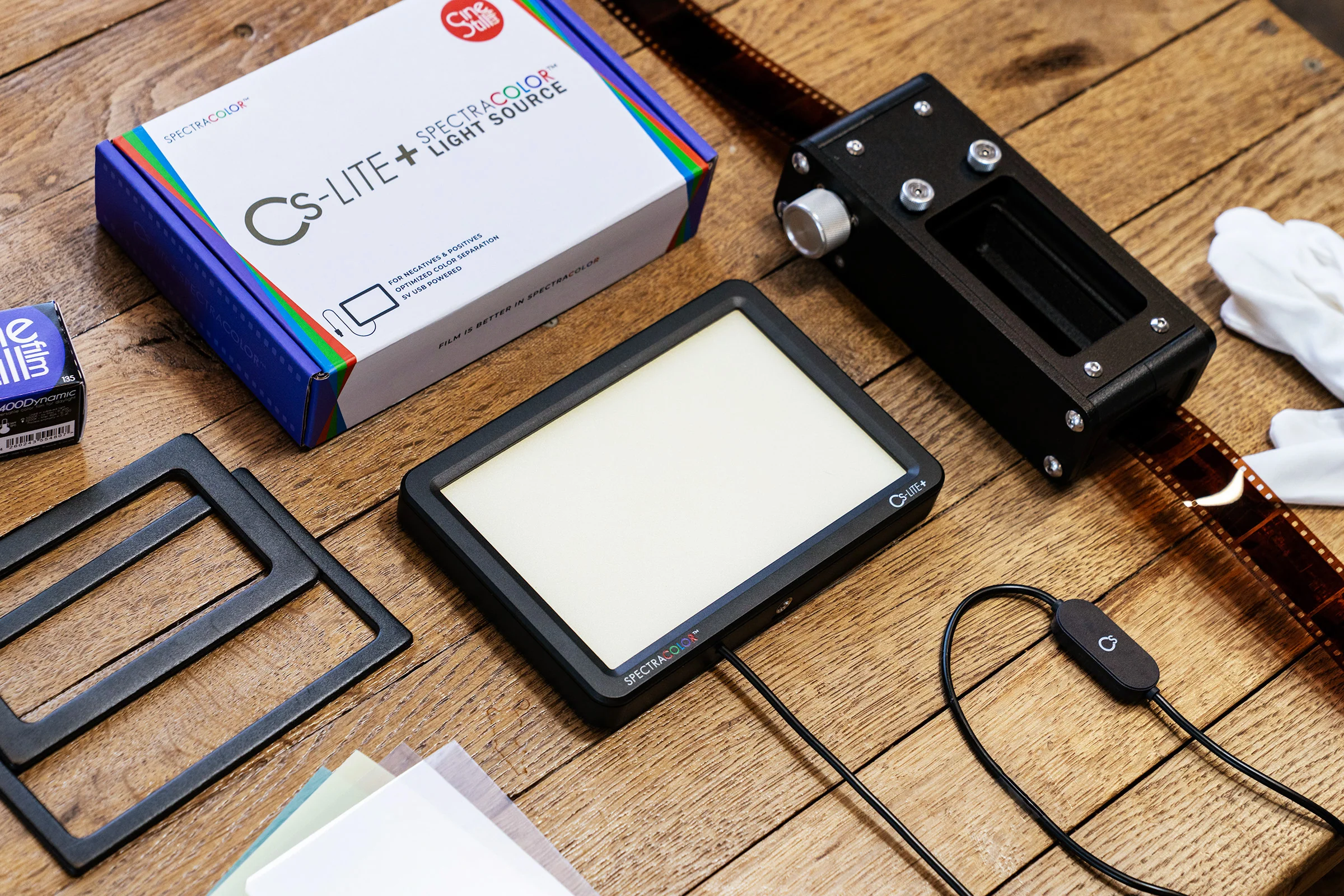
The CS-LITE+ can be setup in three different modes using the included CS-LiteBrite+ Light Collimating Sheets and two different Color Calibration Sheets.
CS-LITE+ Color Modes:
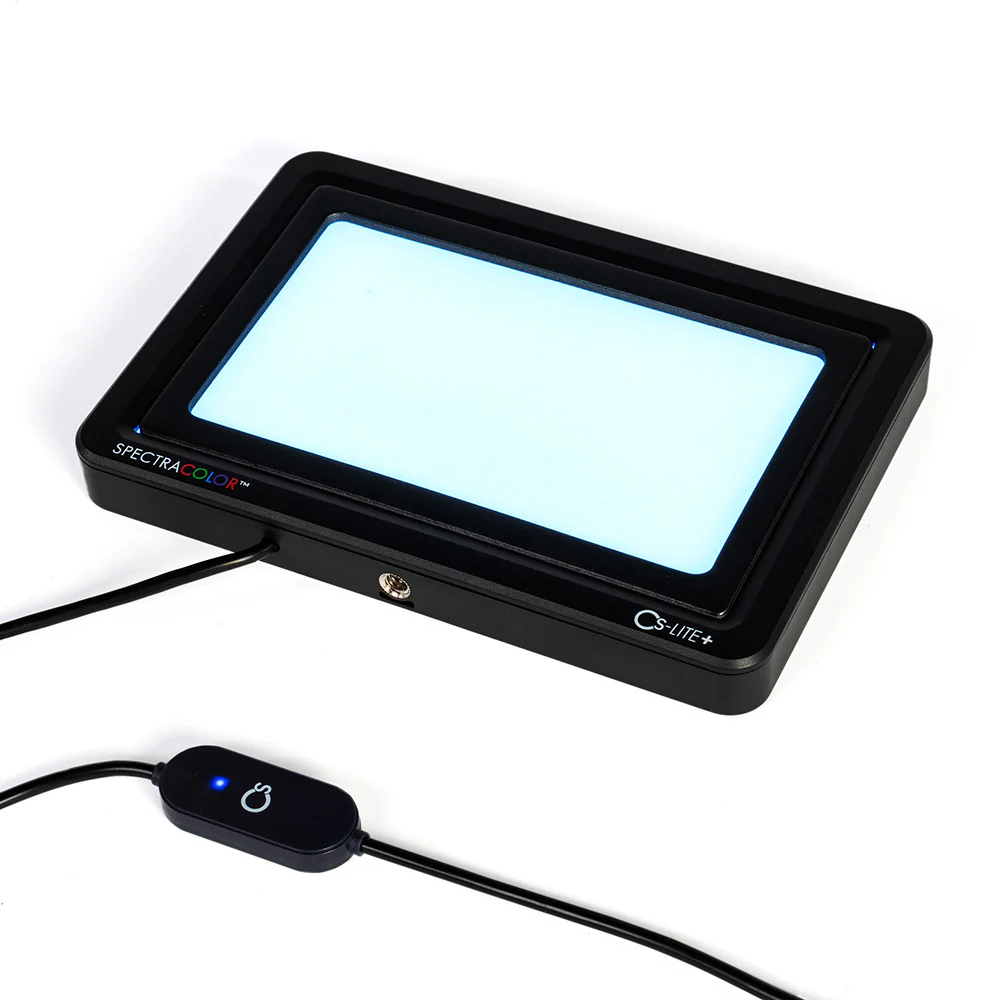
Color Negative Mode (Color Negative Calibration Sheet)

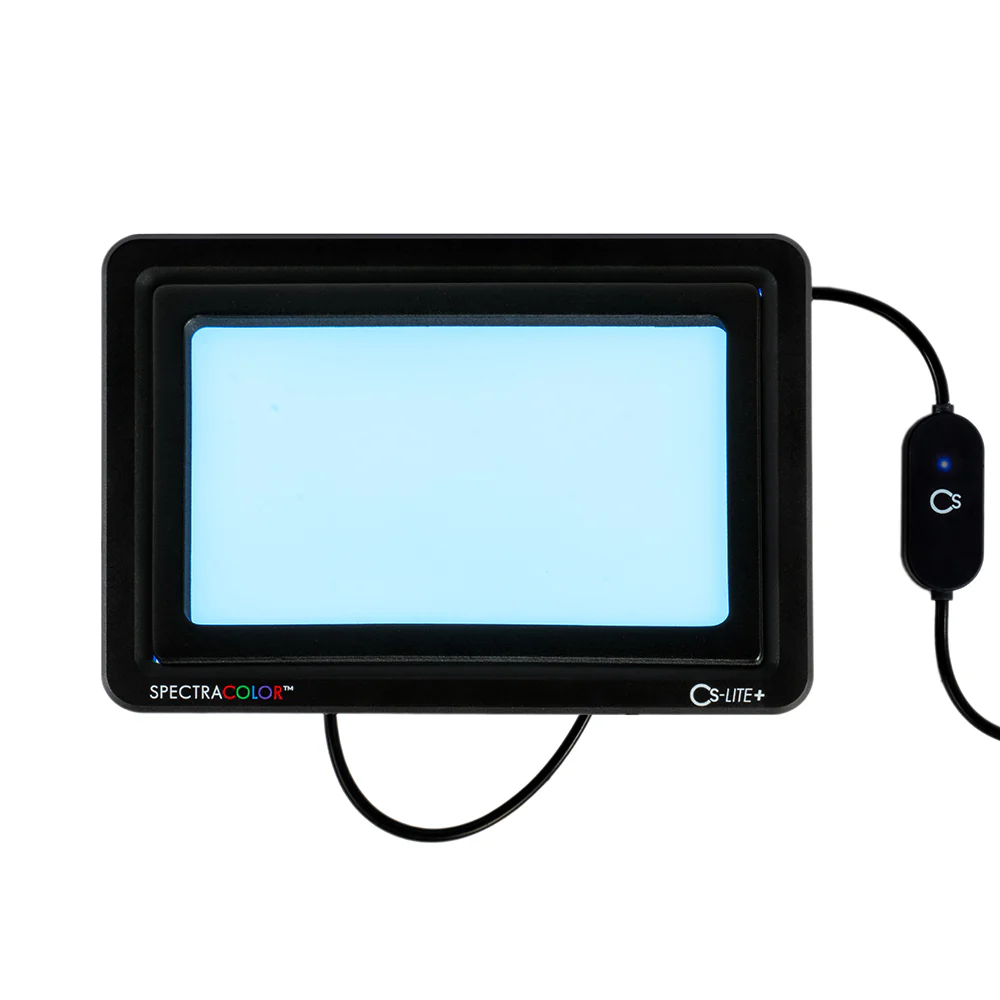
This mode is designed to reduce the orange mask present in color negatives to allow for more neutral scans resulting in superior color separation with less noise due to excessive gain produced when shifting color temperature below 2800K in a raw file. Place the included Color Negative Calibration Sheet (blue color) directly on the surface of the light, beneath the included two CS-LiteBrite+ “Light Collimating” sheets (clear color), aligning the notched corners to the upper right of the light. Be sure to remove the protective film from both sides of the two clear “Light Collimating” sheets before using and to always place these sheets on top of the “Color Calibration” sheet for accurate use. The “Color Calibration” sheets have no protective film and are ready to use when placed beneath the two clear “Light Collimating” sheets.
Cool/White Light Mode (Maximum Output For B&W Film Scanning)

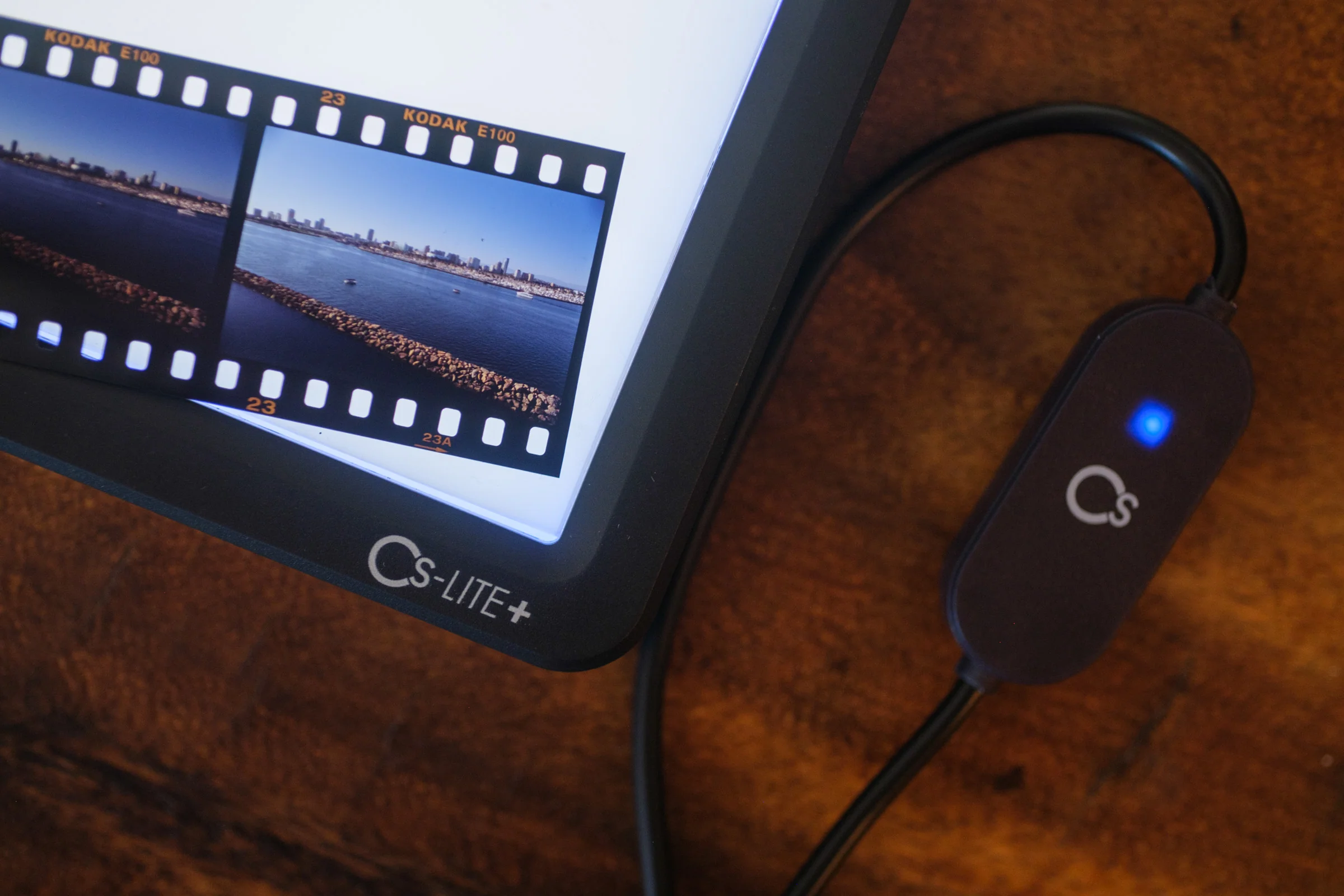
Standard cool white light for scanning black and white negatives or white light dependent workflows. For this mode, place the included two CS-LiteBrite+ “Light Collimating” sheets (clear color) directly on the light source surface, aligning the notched corner to the upper right of the light. Be sure to remove the protective film from both sides of the two “Light Collimating” sheets before using. This mode can also be used to scan color negative film for post-processing workflows developed for white-light scanning and may also be helpful for images taken on slide film under incandescent light.
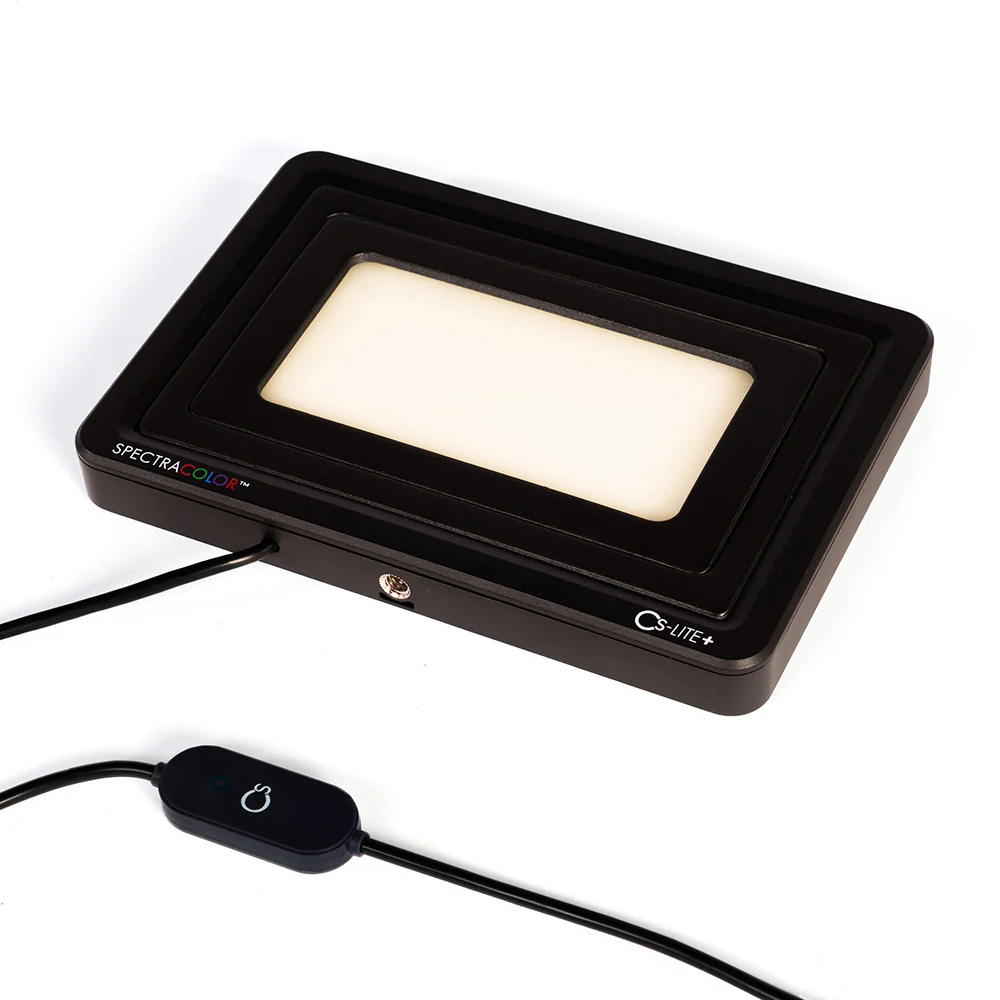
Warm Light Mode (Color Positive Calibration Sheet for Slide Film Scanning)

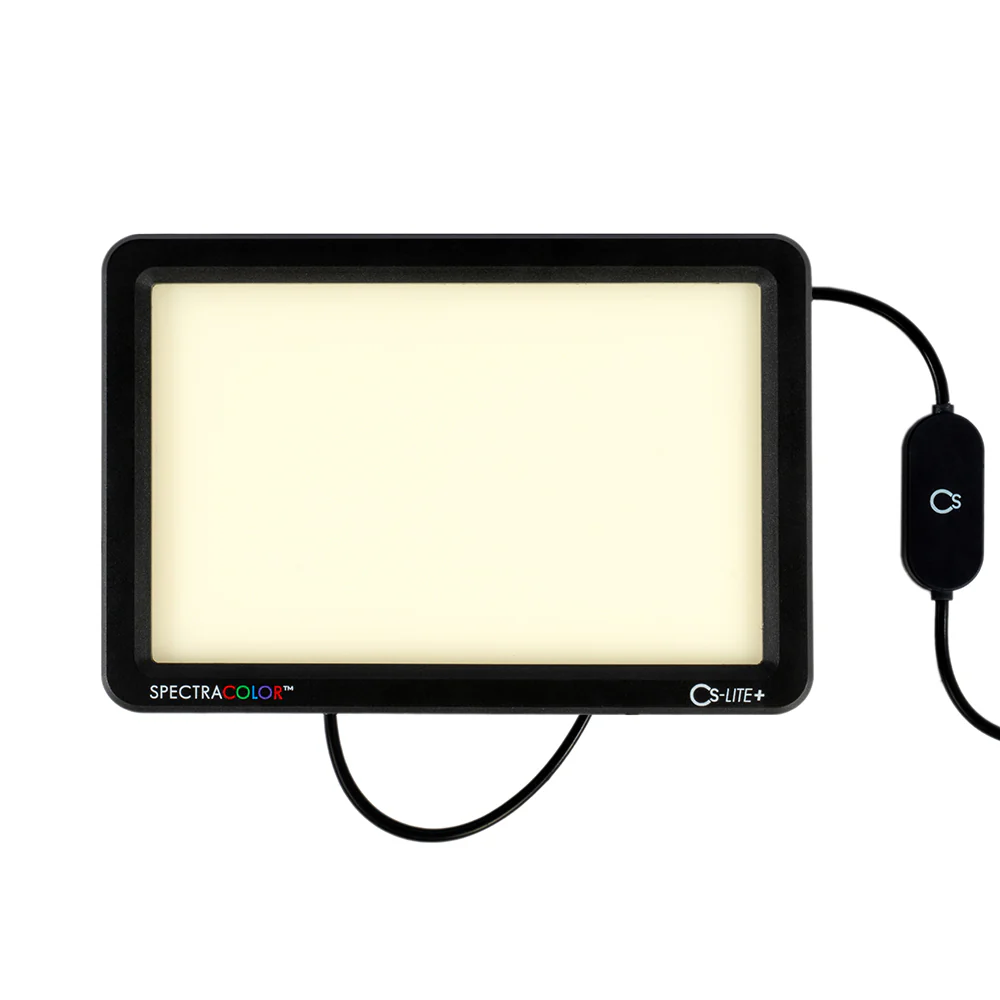
Slide film is designed to be viewed with a warm, tungsten balanced backlight. To accomplish this, place the included “Color Positive Calibration Sheet” (yellow color) directly on the light surface, beneath the two CS-LiteBrite+ “Light Collimating” sheets (clear color), aligning the notched corners to the upper right of the light. Be sure to remove the protective film from both sides of the two clear “Light Collimating” sheets before using and to always place these sheets on top of the “Color Calibration” sheet for accurate use. The “Color Calibration” sheets have no protective film and are ready to use when placed beneath the two clear “Light Collimating” sheets. This setting also produces even richer tones on slides and enhanced color separation for more control when editing. Can be helpful on some color negatives without an orange mask or daylight film exposed in very warm tungsten light.
Included Accessories:

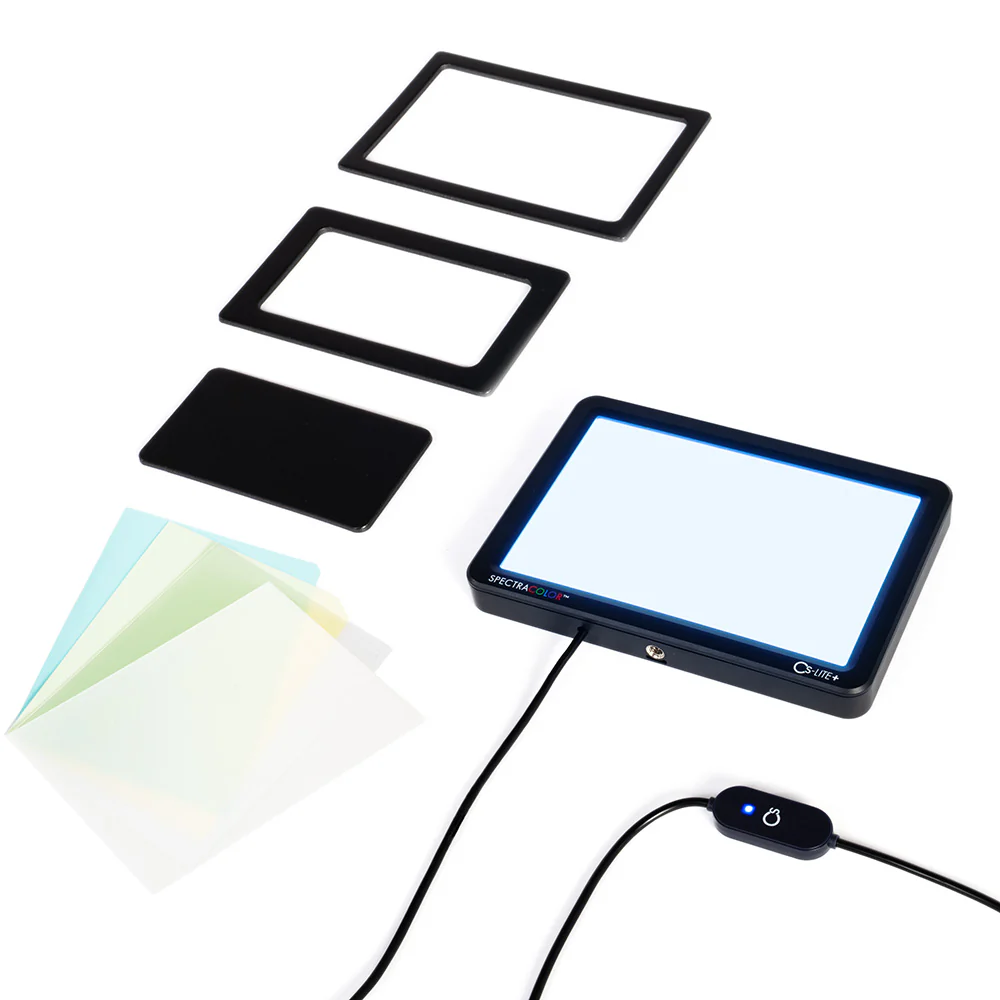
2x CS-LiteBrite+ Light Collimating Sheets (clear color)
1x Color Negative Calibration Sheet (blue color)
1x Color Positive Calibration Sheet (yellow color)
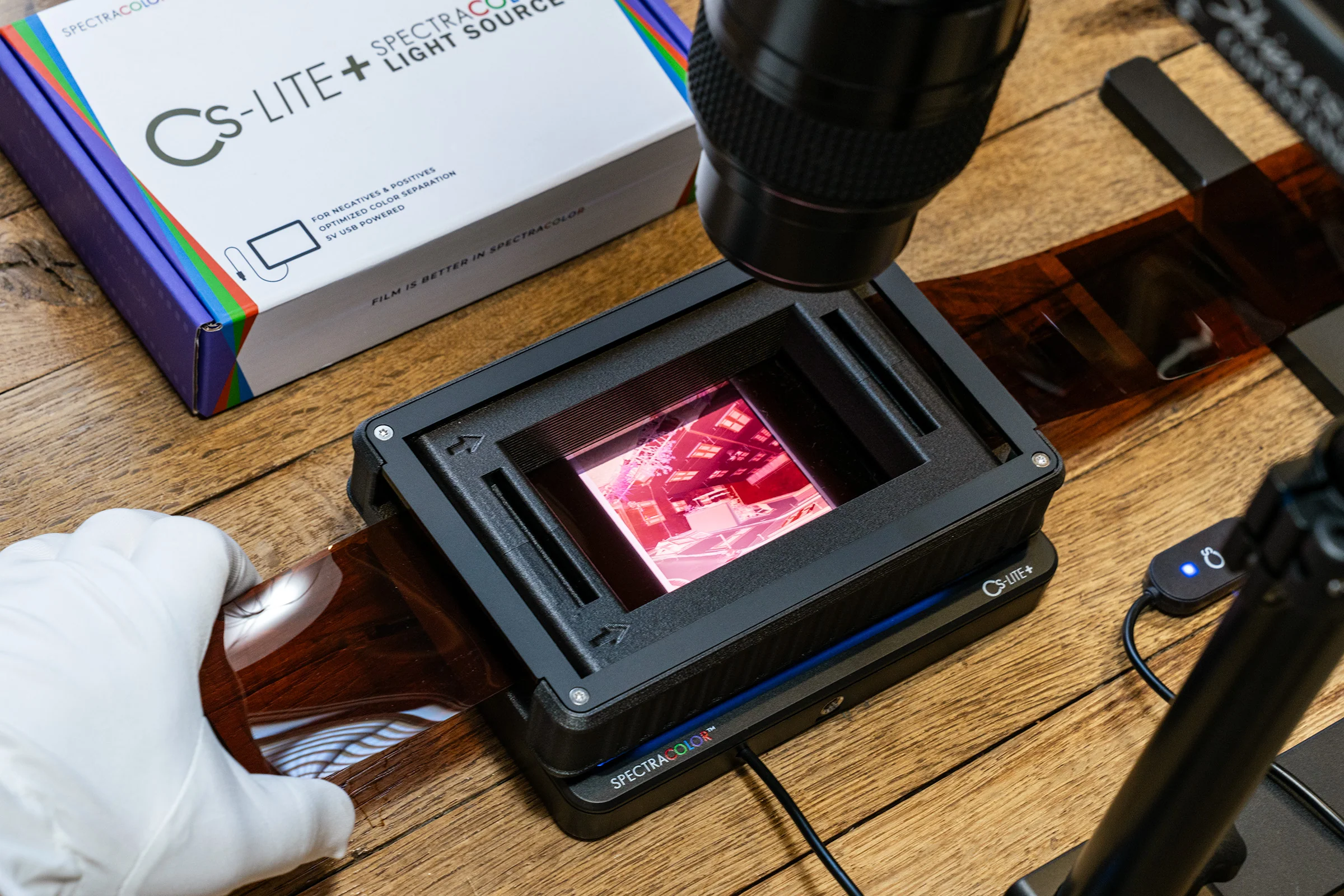
1x CS-LiteMask Universal Carrier Mask
1x Printed Instructions
4x Rubber Feet
Cs-LiteBrite+ Collimating & Color Negative Calibration Sheets These replaceable prismatic “Light Collimating” sheets paired with the “Color Negative Calibration” sheet (blue in appearance) help reduce the orange mask found in color negative film, balancing the light to produce optimal results with a digital sensor while also offering increased directional light output, reducing spill light and enhancing diffusion uniformity. Be sure to remove the protective film from both sides of the two clear “Light Collimating” sheets before using and to always place these sheets on top of the “Color Calibration” sheet being used. The “Color Calibration” sheets have no protective film and are ready to use when placed beneath the clear “Light Collimating” sheets.
CS-LiteMask - Universal Carrier Mask
Use your favorite film carrier with the CS-LITE+ without annoying spill light. Spill light increases the chance of reflection and color contamination when scanning your film.
Download CS-LITE+ SpectraCOLOR™ Light Source PDF Instruction Card
Frequently Asked Questions
Articles:
Meet the CS-LITE+: The First Light Source Powered by SpectraCOLOR™
The Camera Scanning Revolution: A New Frontier
Introducing SpectraCOLOR™: Unlocking a New Era for Film Conversion
Film is better in SpectraCOLOR™: CS Negative+ Convert v1.2 Update
External Unit Dimensions:
Length: 6.5 in
Width: 4.4 in
Height: 0.8 in
Illuminated Area Dimensions:
Length: 5 7/8 in
Width: 3 3/4 in

Camera Scanning Considerations:
Camera Body
Just about any semi-modern, interchangeable-lens digital camera will work great for camera scanning. There are many mirrorless or DSLR options to choose from with large lens catalogs, tethered capture capability, and excellent image quality. Some high end cameras can even use pixel stitching to deliver extremely high levels of resolution.
Macro Lens
For camera scanning, the one real requirement is that your lens focuses close enough to capture the entire frame. For full frame cameras and capturing 35mm film, the term “1:1” designates a lens that will reproduce the 35mm frame exactly onto the full frame digital sensor. With crop-sensor bodies, 1:1 lenses focus even closer. Outside of reproduction factor (1:1), also look out for lenses that are sharp, have good color reproduction, limit internal reflections (modern coatings), and have very little vignetting. Finally, it’s generally best to use your macro lens stopped down 2-3 stops from wide open, as this gives a good combination of depth of field and sharpness.
Software for Negative Conversion:
There are a few plugins and standalone programs for converting captured negatives into positive images. Some older and some newer, all of them try to harness the color science based in darkroom paper to various degrees. After all, even a professional lab scanner is essentially a digital camera and a light source. Most of the options presented here allow you to download a demo version to try before you buy and determine which one best suits your workflow.
| SOFTWARE | REQUIRES | CONTROL | COST |
| CS Negative+ | Adobe CC/Mobile | Prosumer | FREE |
| SmartConvert | Mac/PC | Consumer | $$ |
|
FilmLab |
Mac/PC | Consumer | $$ |
| Negative Lab Pro | Adobe Lr Classic | Prosumer | $$ |
| LaserSoft NegaFix | SilverFast HDR 8 | Professional | $$$ |
| ColorPerfect | Adobe Ps | Professional | $ |
Original: $99.95
-70%$99.95
$29.98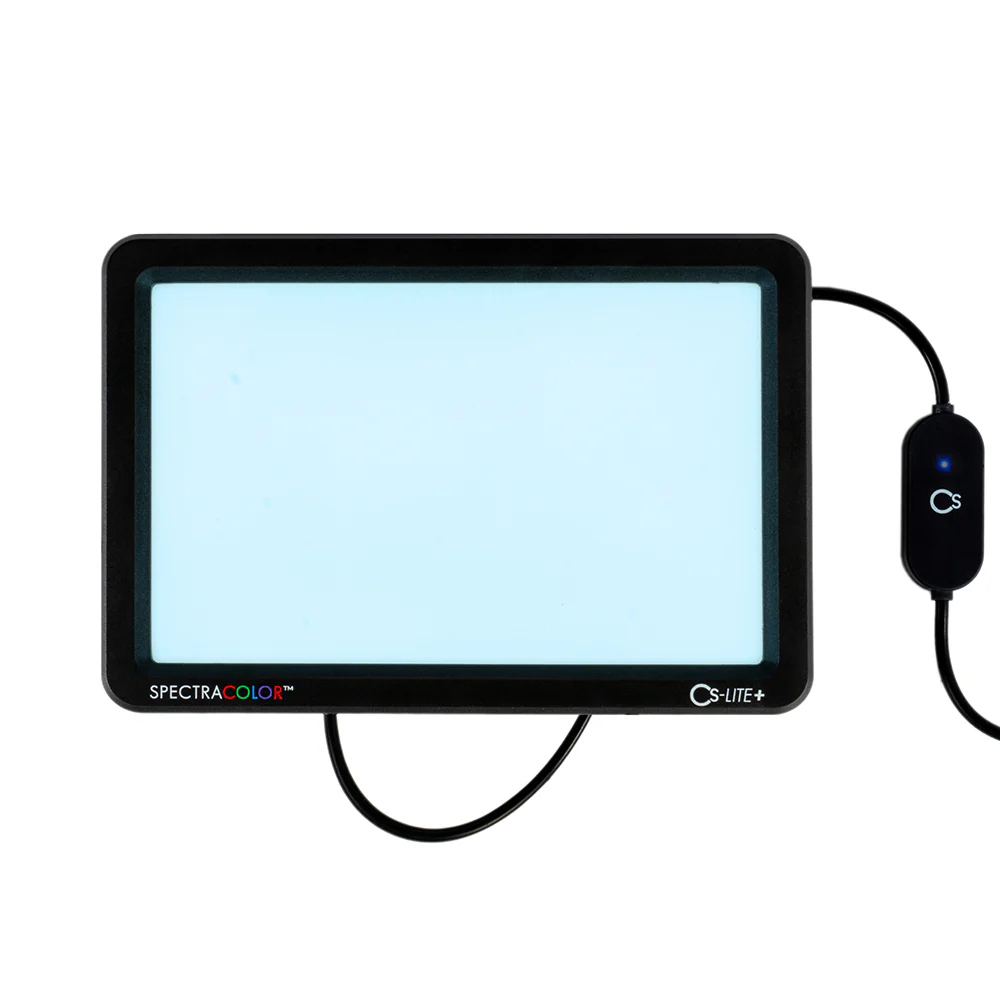
Description
The CineStill CS-LITE+ is a universal, compact light source; specifically designed for archival film scanning with any digital camera. Balanced light output with optimized color separation specifically calibrated for film!
Most light sources currently available for film scanning are not intended for that purpose and, even at high CRI, fail to get the job done due to lack of control and generic design. The CS-LITE+ utilizes ultra-bright single-band LEDs, driven by a standard 5V/1.5A USB power supply. Using proprietary SpectraCOLOR™ technology, years in the making, the narrowband light is then transformed and shaped into separate ultra-narrowband multispectral wavelengths – unachievable with traditional LED technology – specifically calibrated to covert the color layers of film into the three color channels of a digital raw file, without color contamination or cross-talk, using any standard bayer-pattern (or similar) tri-color sensor. This allows your digital sensor to see negative film the way it was intended to be seen, resulting in the purest, most high-fidelity film to digital conversions achievable.
For more information or questions visit our F.A.Q. Help Center for the CS-LITE+.
The CS-LITE+ can be setup in three different modes using the included CS-LiteBrite+ Light Collimating Sheets and two different Color Calibration Sheets.
CS-LITE+ Color Modes:
Color Negative Mode (Color Negative Calibration Sheet)
This mode is designed to reduce the orange mask present in color negatives to allow for more neutral scans resulting in superior color separation with less noise due to excessive gain produced when shifting color temperature below 2800K in a raw file. Place the included Color Negative Calibration Sheet (blue color) directly on the surface of the light, beneath the included two CS-LiteBrite+ “Light Collimating” sheets (clear color), aligning the notched corners to the upper right of the light. Be sure to remove the protective film from both sides of the two clear “Light Collimating” sheets before using and to always place these sheets on top of the “Color Calibration” sheet for accurate use. The “Color Calibration” sheets have no protective film and are ready to use when placed beneath the two clear “Light Collimating” sheets.
Cool/White Light Mode (Maximum Output For B&W Film Scanning)
Standard cool white light for scanning black and white negatives or white light dependent workflows. For this mode, place the included two CS-LiteBrite+ “Light Collimating” sheets (clear color) directly on the light source surface, aligning the notched corner to the upper right of the light. Be sure to remove the protective film from both sides of the two “Light Collimating” sheets before using. This mode can also be used to scan color negative film for post-processing workflows developed for white-light scanning and may also be helpful for images taken on slide film under incandescent light.
Warm Light Mode (Color Positive Calibration Sheet for Slide Film Scanning)
Slide film is designed to be viewed with a warm, tungsten balanced backlight. To accomplish this, place the included “Color Positive Calibration Sheet” (yellow color) directly on the light surface, beneath the two CS-LiteBrite+ “Light Collimating” sheets (clear color), aligning the notched corners to the upper right of the light. Be sure to remove the protective film from both sides of the two clear “Light Collimating” sheets before using and to always place these sheets on top of the “Color Calibration” sheet for accurate use. The “Color Calibration” sheets have no protective film and are ready to use when placed beneath the two clear “Light Collimating” sheets. This setting also produces even richer tones on slides and enhanced color separation for more control when editing. Can be helpful on some color negatives without an orange mask or daylight film exposed in very warm tungsten light.
Included Accessories:
2x CS-LiteBrite+ Light Collimating Sheets (clear color)
1x Color Negative Calibration Sheet (blue color)
1x Color Positive Calibration Sheet (yellow color)
1x CS-LiteMask Universal Carrier Mask
1x Printed Instructions
4x Rubber Feet
Cs-LiteBrite+ Collimating & Color Negative Calibration SheetsThese replaceable prismatic “Light Collimating” sheets paired with the “Color Negative Calibration” sheet (blue in appearance) help reduce the orange mask found in color negative film, balancing the light to produce optimal results with a digital sensor while also offering increased directional light output, reducing spill light and enhancing diffusion uniformity. Be sure to remove the protective film from both sides of the two clear “Light Collimating” sheets before using and to always place these sheets on top of the “Color Calibration” sheet being used. The “Color Calibration” sheets have no protective film and are ready to use when placed beneath the clear “Light Collimating” sheets.
CS-LiteMask - Universal Carrier Mask
Use your favorite film carrier with the CS-LITE+ without annoying spill light. Spill light increases the chance of reflection and color contamination when scanning your film.
Download CS-LITE+ SpectraCOLOR™ Light Source PDF Instruction Card
Frequently Asked Questions
Articles:
Meet the CS-LITE+: The First Light Source Powered by SpectraCOLOR™
The Camera Scanning Revolution: A New Frontier
Introducing SpectraCOLOR™: Unlocking a New Era for Film Conversion
Film is better in SpectraCOLOR™: CS Negative+ Convert v1.2 Update
External Unit Dimensions:
Length: 6.5 in
Width: 4.4 in
Height: 0.8 in
Illuminated Area Dimensions:
Length: 5 7/8 in
Width: 3 3/4 in
Camera Scanning Considerations:
Camera Body
Just about any semi-modern, interchangeable-lens digital camera will work great for camera scanning. There are many mirrorless or DSLR options to choose from with large lens catalogs, tethered capture capability, and excellent image quality. Some high end cameras can even use pixel stitching to deliver extremely high levels of resolution.
Macro Lens
For camera scanning, the one real requirement is that your lens focuses close enough to capture the entire frame. For full frame cameras and capturing 35mm film, the term “1:1” designates a lens that will reproduce the 35mm frame exactly onto the full frame digital sensor. With crop-sensor bodies, 1:1 lenses focus even closer. Outside of reproduction factor (1:1), also look out for lenses that are sharp, have good color reproduction, limit internal reflections (modern coatings), and have very little vignetting. Finally, it’s generally best to use your macro lens stopped down 2-3 stops from wide open, as this gives a good combination of depth of field and sharpness.
Software for Negative Conversion:
There are a few plugins and standalone programs for converting captured negatives into positive images. Some older and some newer, all of them try to harness the color science based in darkroom paper to various degrees. After all, even a professional lab scanner is essentially a digital camera and a light source. Most of the options presented here allow you to download a demo version to try before you buy and determine which one best suits your workflow.
| SOFTWARE | REQUIRES | CONTROL | COST |
| CS Negative+ | Adobe CC/Mobile | Prosumer | FREE |
| SmartConvert | Mac/PC | Consumer | $$ |
|
FilmLab |
Mac/PC | Consumer | $$ |
| Negative Lab Pro | Adobe Lr Classic | Prosumer | $$ |
| LaserSoft NegaFix | SilverFast HDR 8 | Professional | $$$ |
| ColorPerfect | Adobe Ps | Professional | $ |